



How to prepare matched files? Step-by-step guide
Are you planning an exhibition made up of several elements of a system but with one shared graphic? Find out how to correctly prepare matched files to avoid misalignments and corrections before printing.
When and why use matched files?
Matched files should always be prepared when you want to combine several rectangular elements into one graphic. This usually applies to textile frames or LED lightboxes placed next to each other. Thanks to matching, you can be sure that the whole setup will look like one image rather than several separate panels.
To prepare matched files, the project must be divided into several files. Each file should contain a fragment of the graphic from the previous one. This repeating fragment is the so-called overlap area, which ensures image continuity.
Why is this so important? Small gaps and shifts always appear between systems due to factors such as keder sewing, cutting, profile thickness, or the assembly itself. In addition, the material may shrink slightly, and part of the graphic is used for technical areas. When files are prepared “edge to edge,” lines and patterns can easily become misaligned, while side edges wrapped inside the frame and finished with a keder break the image flow. With an overlap area, the graphic forms a coherent whole – flowing smoothly from one frame to another and looking exactly as intended.
Good
Bad
How to prepare matched files?
The rule for preparing matched files is simple: each subsequent file should include 4 cm* of the previous image to maintain graphic continuity. Below you’ll find a diagram based on printing guidelines for 100×250 cm:
How to prepare matched files in practice? Follow this short instruction prepared by our graphic team:
*Note!
For SEGO and Multiframe systems the overlap area is 3 cm. This is an exception to the rule.
Summary
Preparing matched files may sound complicated, but in practice it comes down to a few simple rules. Always work with the guidelines downloaded from the website, stick to the given dimensions, and leave an overlap area – 4 cm (or 3 cm in the case of SEGO systems) between subsequent files. This way, the graphic will flow smoothly across all systems, without gaps or misalignments.
If you follow this scheme, your exhibition will fully match the project, and you’ll avoid unnecessary corrections and stress right before printing.
- Printing
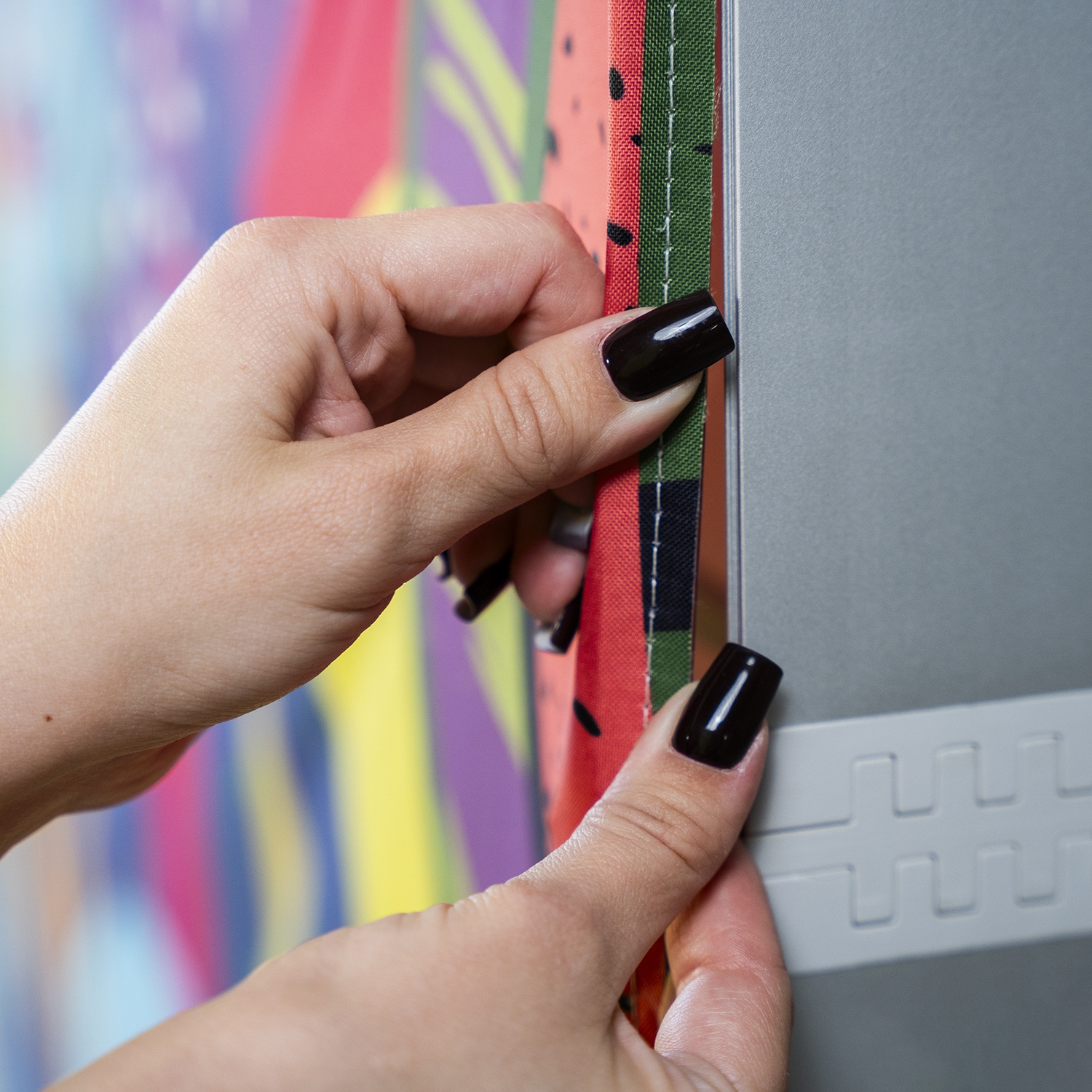 Recycling advertising graphics – how to give them a second life after the season
Many companies still treat graphics as single-use materials. When a campaign ends, the print disappears from circulation, even though it could easily get a second chance. The same goes for structures – one frame can serve you across multiple events if you simply give it the opportunity. See how you can reuse materials you already own – at events and beyond.
- Printing
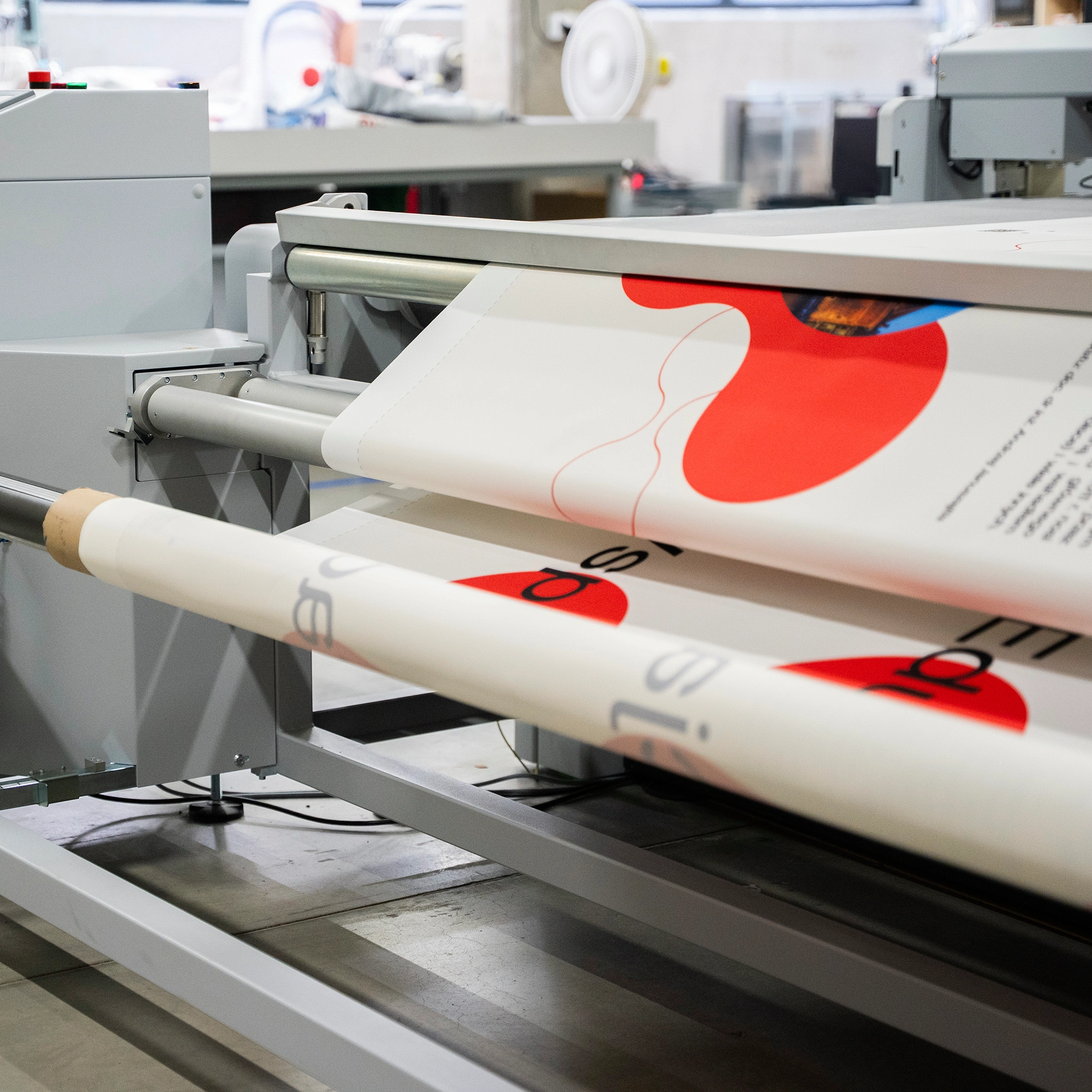 A revolution in lightbox production – faster and more precise
Don’t like the last-minute rush before trade shows? Neither do we. That’s why instead of racing against time, we decided to get ahead of it. We’ve introduced a new device to our machine park – the ZUND cutting plotter. ZUND automates the cutting process, increases precision, and minimizes the risk of errors. See how this new machine can speed up the production of your next order.
- Printing
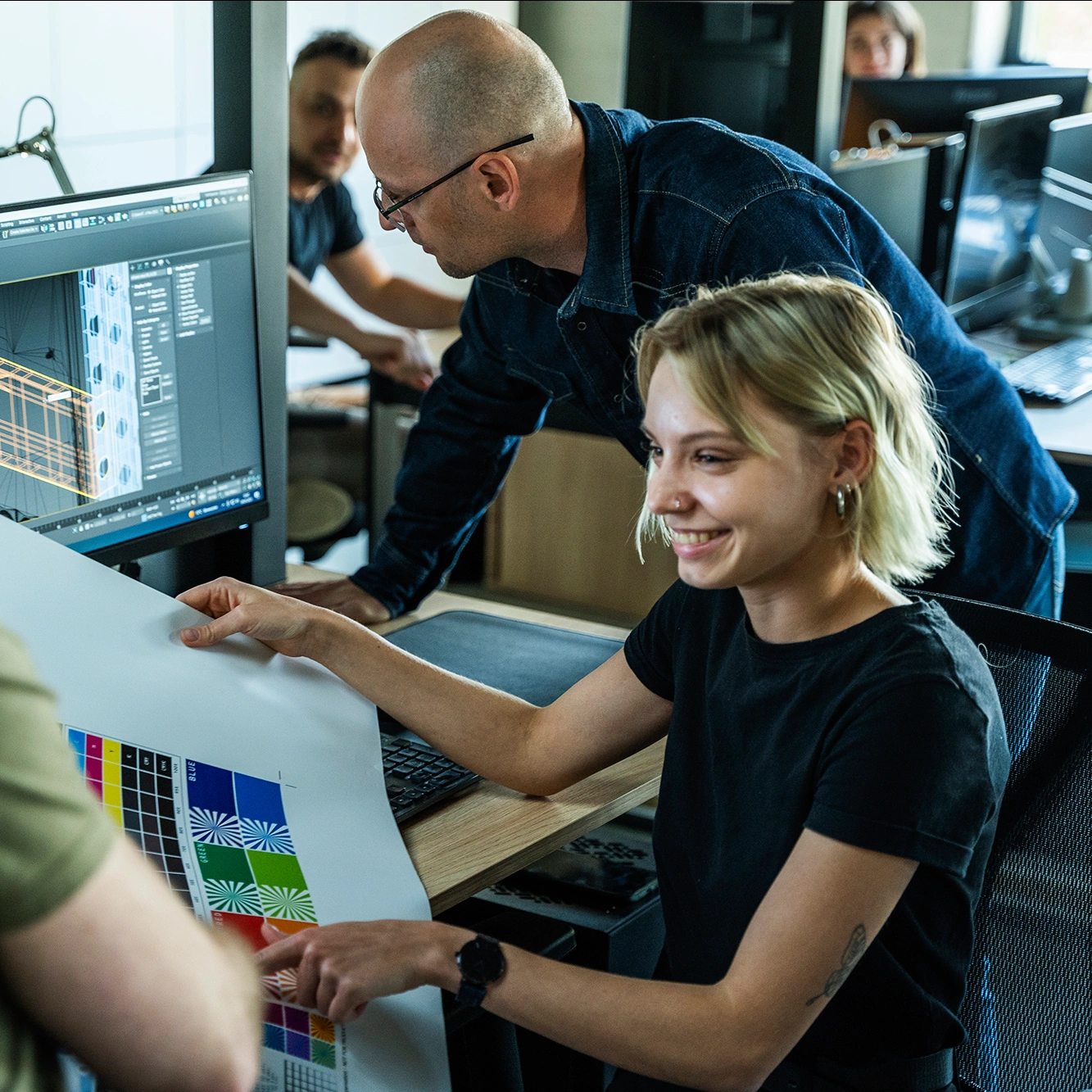 How to prepare matched files? Step-by-step guide
Are you planning an exhibition made up of several elements of a system but with one shared graphic? Find out how to correctly prepare matched files to avoid misalignments and corrections before printing.
- Marketing/advertisingPrinting
 AR technology: from visualization to implementation
AR technology is a modern support tool in the purchasing process. It helps you avoid shopping mishaps and prevents you from buying the proverbial pig in a poke. Find out what this technology is all about and how it can support you when shopping online.
- Printing
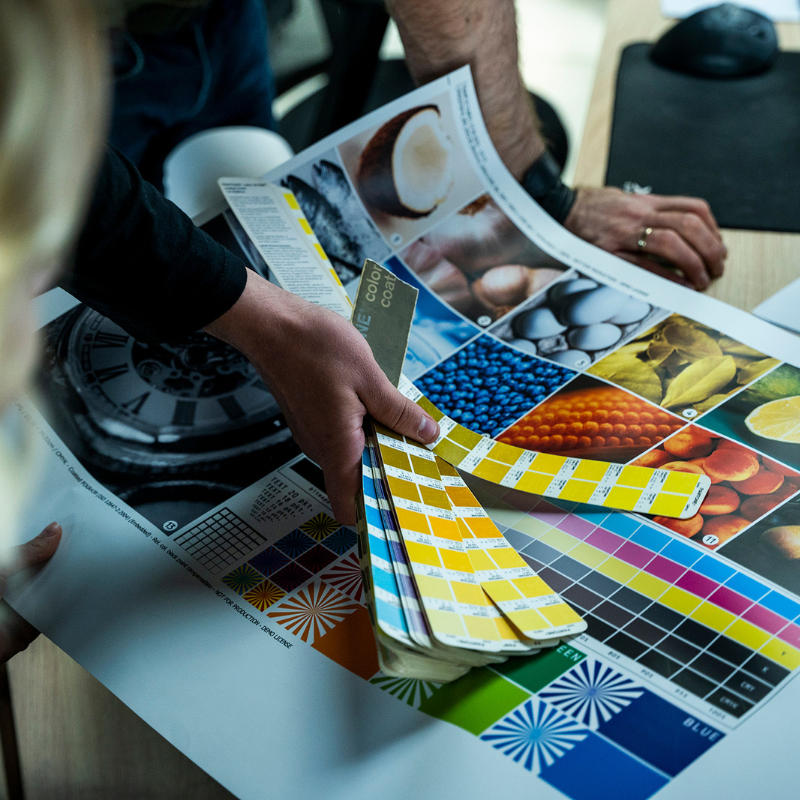 File verification: the key to seamless order fulfillment
Not sure if your files meet the guidelines? At adsystem, we use an advanced File Checker system along with the expertise of our graphic designers to eliminate technical errors at the very beginning of the process. Find out what our verification covers and what you should pay attention to as a client.